
The MicroAngelo Video Display
by Mark Dahmke
BYTE Magazine, November 1980
Introduction
The MicroAngelo high-resolution raster graphics display stands well above other S-100 graphics displays in its price and performance range. Since the MicroAngelo is actually a single-board microcomputer, a great number of functions that previously had to be performed by the host computer are now done in firmware on the graphics board. Rather than using the memory address space of the host as a graphics display buffer (32 K bytes in this case), the host communicates with the MicroAngelo through two parallel ports with simple yet powerful commands. The MicroAngelo decodes these commands and automatically performs the desired functions independently of the host processor. With this parallel-processing capability, system response time is greatly enhanced.
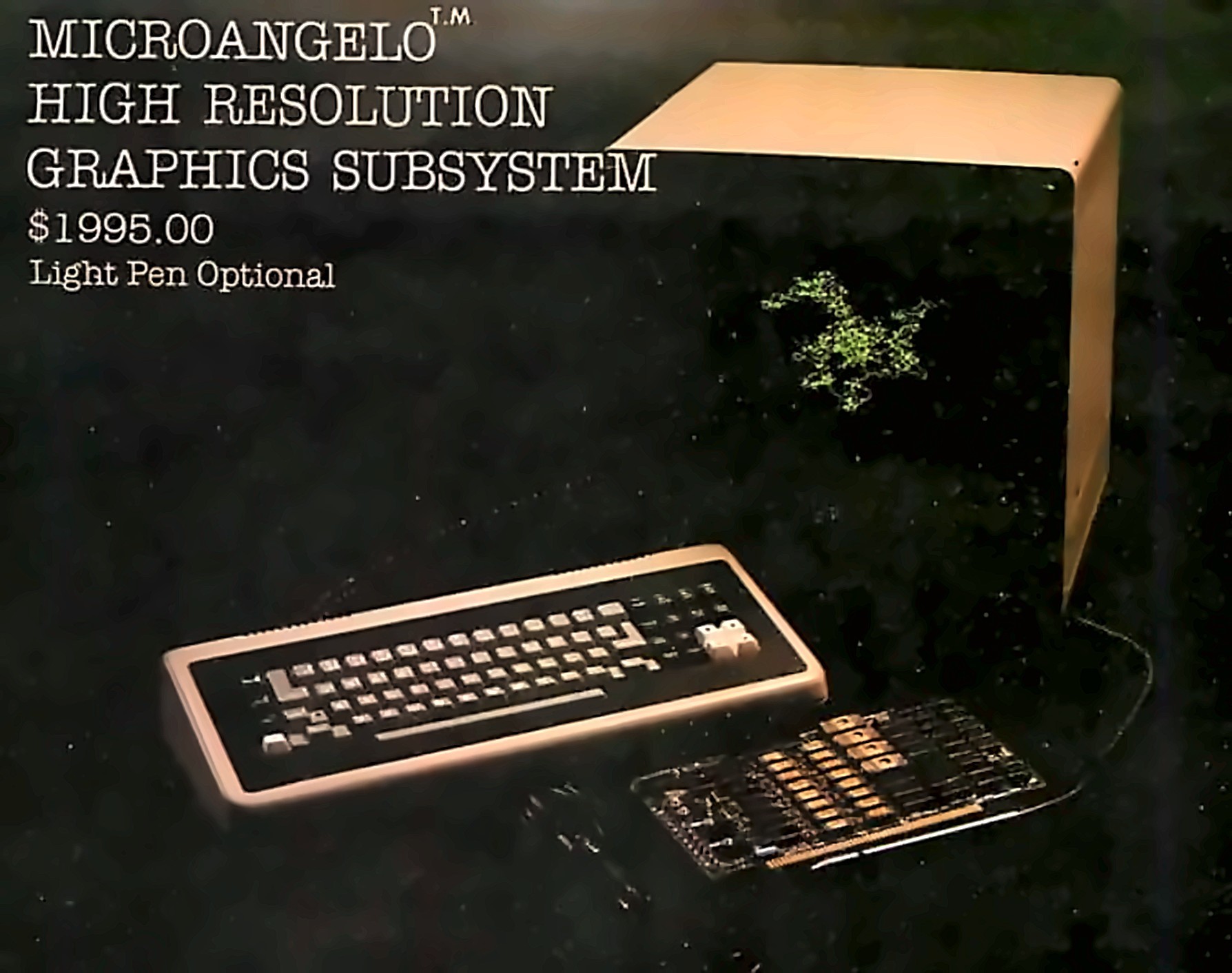
Photo 1: The MicroAngelo Graphics Subsystem. Included in the subsystem are the MicroAngelo S-100 board, the 15-inch high-resolution black-and-white monitor, and a special keyboard that has an IBM Selectric-style layout plus some special function keys on the far left and right. The light pen is optional.
Hardware Overview
The MicroAngelo consists of a Z80A microprocessor with 32 K bytes of on-board programmable memory and 4 K bytes (expandable to 8 K bytes) of PROM (programmable read-only memory) firmware. The board contains all hardware necessary to generate a 512 by 480 dot black-and-white display for a television monitor (10 MHz bandwidth or greater). The board communicates with the host through two parallel ports which may be addressed to any of eight blocks of ports from hexadecimal 00 to F0. The video monitor may be connected via composite video (RS-170 standard) or direct-drive transistor-transistor-logic-level video, horizontal and vertical synchronization. The MicroAngelo has four possible interrupt sources: data from host, data to host, light pen, and 60 Hz timer. Whenever a data byte is sent by the host or the host reads a data byte sent to it, an interrupt will occur in the MicroAngelo. An interrupt will occur when the light pen is fired and also when the timer produces a pulse. Of these four possible interrupts only the data from host and light pen sources are usually enabled.
A connector is provided for the light pen interface. Several commercially available light pens will work with the MicroAngelo.
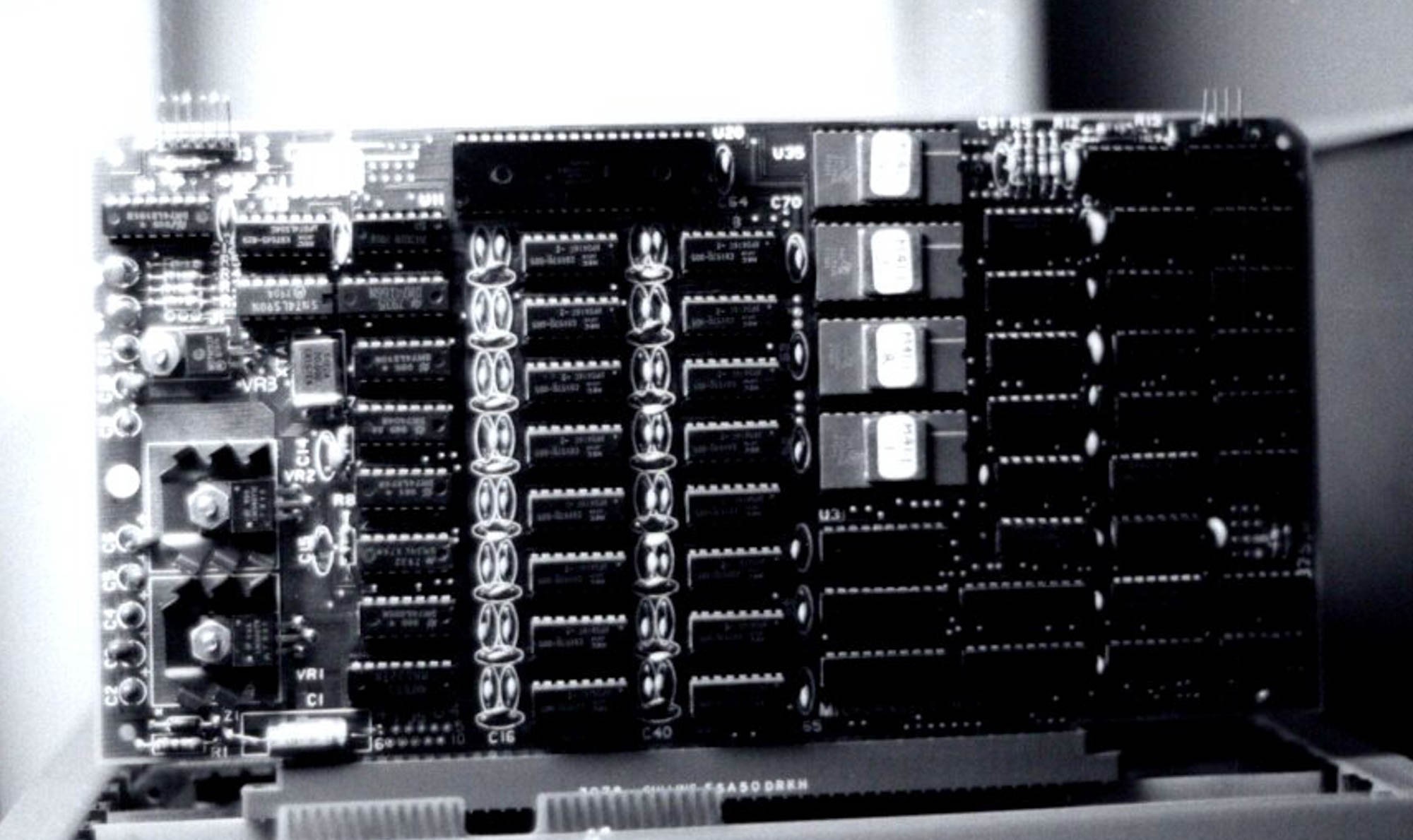
Photo 2: A close-up of the MicroAngelo S-100 board. The board has a Z80A microprocessor, 32 K bytes of memory, and four 2708 PROMs (expandable to 8 K bytes with 2716 PROMs). The board is actually a stand-alone 32 K computer. The video display generates 512 by 480 dots. In the ALPHA mode, up to 85 by 40 characters may be displayed on the screen.
Jumper Options
Several on-board jumpers are provided for special applications. For example, it is possible to increase the clock speed of the Z80A microprocessor (and hence the speed of the board) from 4 MHz to 5 MHz, assuming that all the components are capable of operating at that speed. Interrupts (as previously discussed) may be enabled or disabled. The number of visible scan lines may be changed from the default 480 to 448 lines. If this option is chosen, the user is responsible for display management. The PROM sockets may be jumpered to either the default 1 K byte per PROM or 2 K bytes per PROM.
Adapting MicroAngelo to Non-S-100 Systems
Since the MicroAngelo uses a simple parallel-port interface to the host system, it may be attached to almost any host system. Data is transferred via the eight parallel input and eight output lines of the S-100 bus connector. Power is supplied through pin 1 (+8 V), pin 2 (+18 V), pin 52 (−18 V), and pin 50 (ground). Address bus lines A7, A6, A5, and A4 may be tied permanently high (+5 V); A1 and pWR are tied low (ground). A0 is connected to the host to select whether port 0 or 1 is addressed. (MicroAngelo uses two ports.) sINP and sOUT are connected to the host as input-and-output-control command lines. Using this twelve-line interface, the MicroAngelo becomes a stand-alone graphics display device. If interrupts are required, they may be easily added to the above set of signals.
Firmware
The MicroAngelo firmware is what makes the board so powerful. It takes all the work out of designing software and applications programs for the MicroAngelo. The Screenware Pak I is a well-integrated firmware package that allows the board to be used as a terminal emulator, a graphics display, or both. If a byte is sent to the MicroAngelo (via the parallel port), it is interpreted by the firmware in one of two ways. If bit 7 (the most significant bit) is turned on, the byte is seen as a command. If it is off, the firmware treats it as an ASCII character and passes it to the terminal or ALPHA mode program. In the text mode, the board will display forty lines with eighty-five characters per line. Text and graphics may be mixed on the screen. In the dumb terminal mode, the firmware will respond to the following control codes: backspace, horizontal tab, line feed, form feed, carriage return, escape, and delete.
Several features are available in the terminal mode. It is possible to display black-on-white or white-on-black characters, for example. Underlining may be turned on and off, and character overstriking may be allowed or disallowed. Two fonts are available, the standard character set or a user-defined font. The winking cursor may be displayed or inhibited, and the scroll mode may be changed. Scrolling may be done on a line-by-line basis, or, to improve response time, block scrolling may be done. Cursor addressing is available—rows run from 0 to 39, columns from 0 to 84. It is also possible to query the firmware to obtain the current cursor location.
Graphics-Mode Commands
The display may be manipulated in many ways in the graphics mode. First, the graphics cursor may be set to a value, read or queried, or set to the contents of the alpha cursor and vice versa. The format for most graphics mode commands is:
<Command> <xh> <xl> <yh> <yl>
where xh and xl are the high and low bytes of the X coordinate and yh, yl are the high and low bytes of the Y coordinate respectively (in hexadecimal). The coordinates (384,256) would be sent as:
<Command> <01> <80> <01> <00>
Replacing <Command> with <84> would cause the firmware to set the graphics cursor to (384,256) on the screen. Some commands have no operands such as “clear screen”. It is possible, with one command, to toggle the screen figure/ground. This means that every dot on the screen will be complemented (ie: reversed). If a dot is on (white), it will be turned off (black) and vice versa. Individual dots may be turned on, off, complemented or queried. The form of this group of commands is also:
<Command> <xh> <xl> <yh> <yl>
In the case of the query command, the response is a single byte from the firmware with a value of 1 or 0. A vector, the next level of sophistication, may also be turned on, off or complemented. The endpoint of the vector is specified in the command, and the starting point is assumed to be the current value of the graphics cursor. It is also possible to work with regions of the display. If we wish to turn on all dots in a box with corners (X1,Y1), (X2,Y1), (X1,Y2), (X2,Y2) the command:
<95> <x1h> <x1l> <y1h> <y1l> <x2h> <x2l> <y2h> <y2l>
would be sent. Regions may also be turned off or complemented. Characters may be plotted depending on the graphics cursor and the mode selected for graphics characters. Options available include:
- normal-size or double-size characters
- black-on-white or white-on-black
- direction and orientation
Alternate characters may be defined. When the ALPHA mode alternate-character-set option is employed, sending an ASCII character to the firmware will display the alternate character instead of the standard font character. To define the character, the following sequence of bytes must be sent:
<9A> <asc> <s11> <s10> <s9> ... <s1> <s0>
where 9A is the command, “asc” is the ASCII character code assigned to the character, and s11, s10, … s0 are the twelve scan lines (6 bits wide) that make up the character in a 6 by 12 dot array.
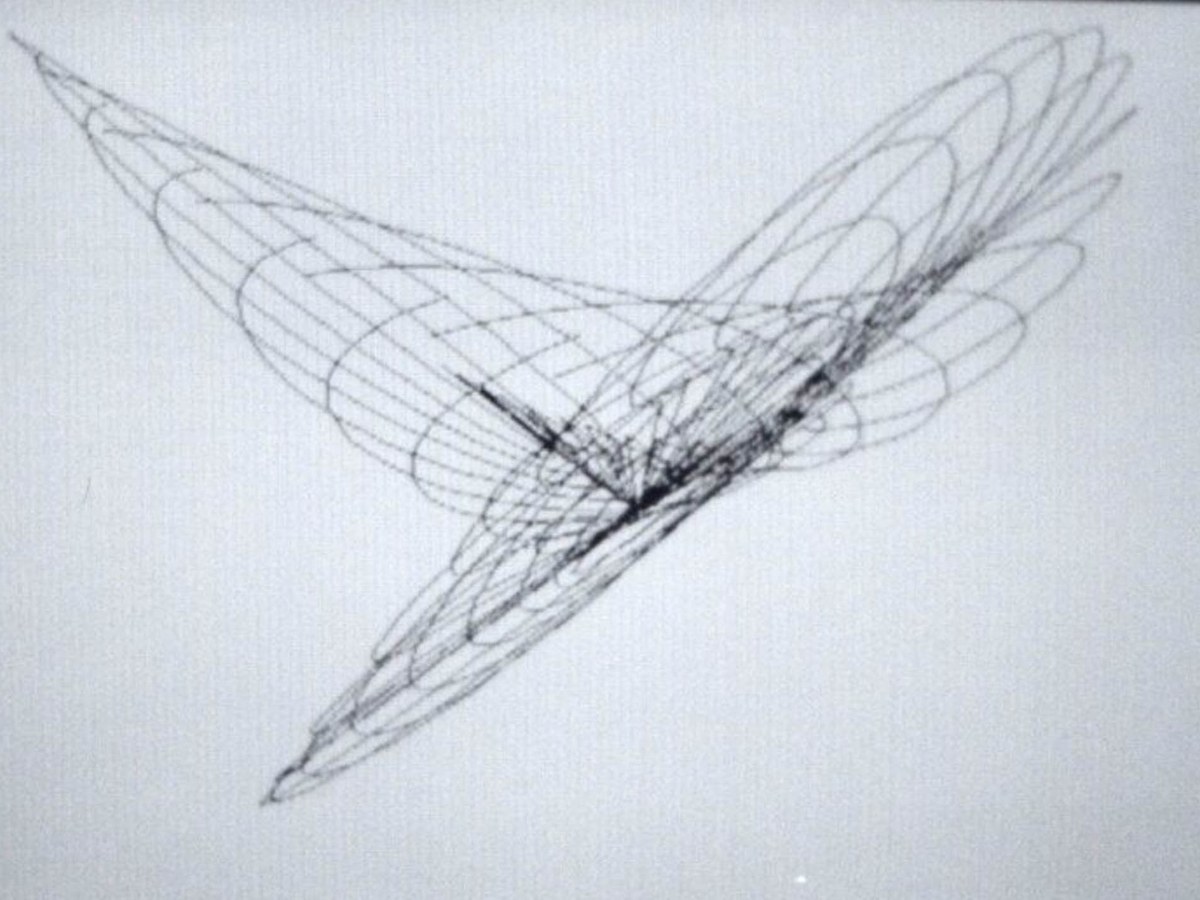
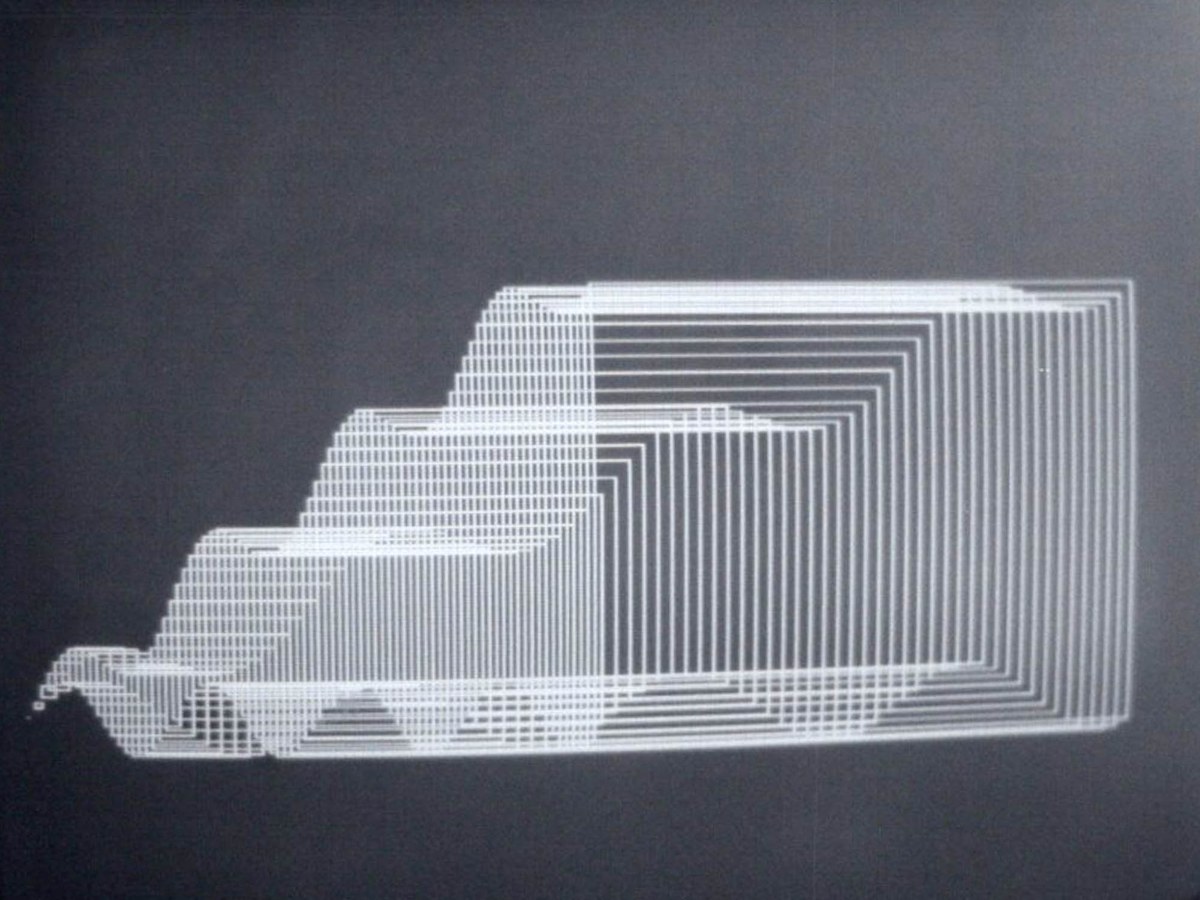
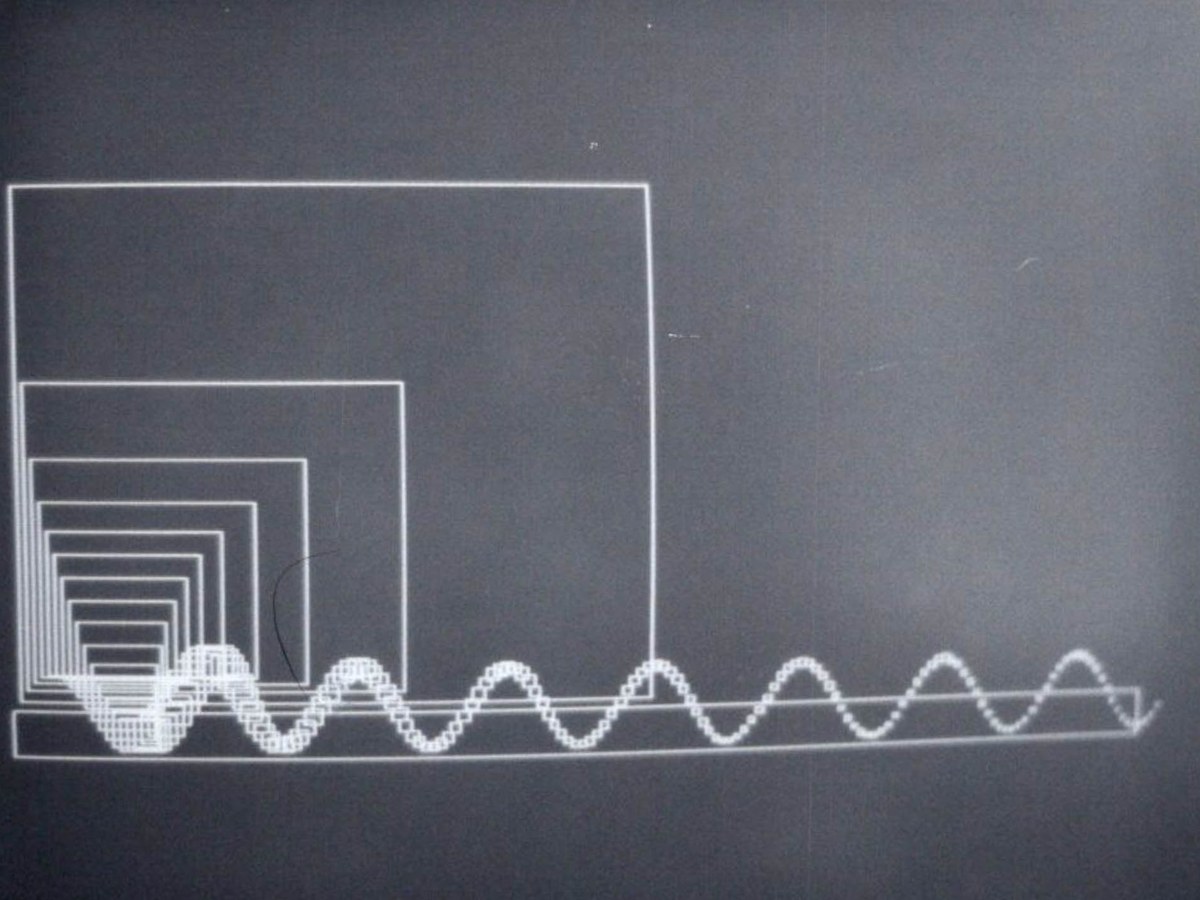
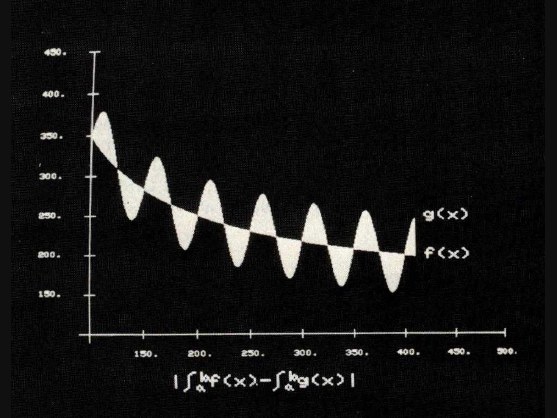
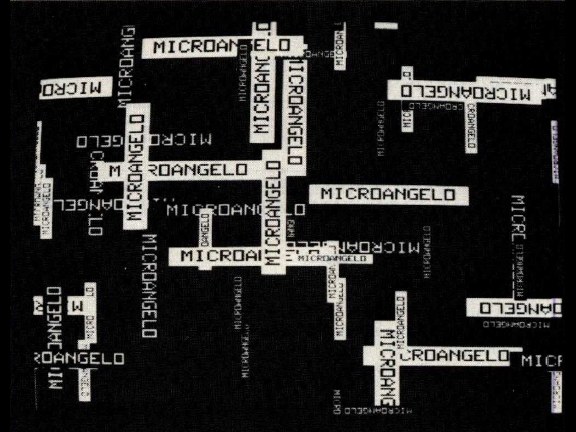
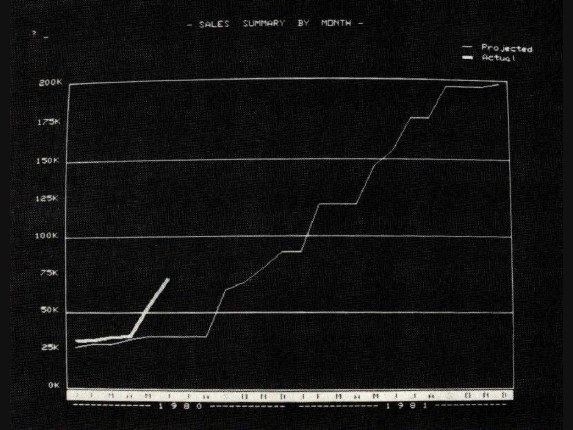
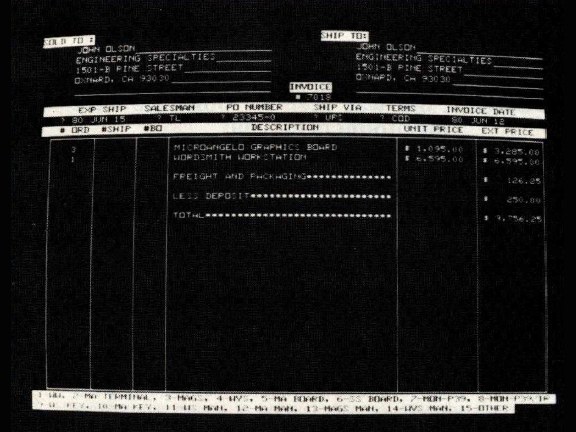
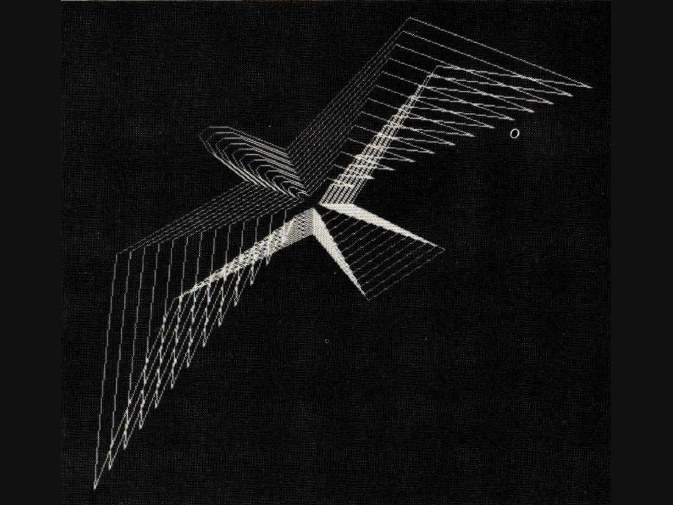
Photos 3a–3h: Sample displays produced with the MicroAngelo graphics board. Vectors may be drawn with single high-level commands.
Using the Light Pen
The light pen provides a convenient means of entering data or drawing on the screen without having to enter numeric coordinates. The coordinates of the pen may be read directly, along with a flag indicating whether or not the pen has been fired since it was last queried. Cross hairs may be displayed at any point on the screen when using the light pen. Another set of commands allows the cross hairs to be displayed, moved, and queried without regard to the light pen.
Memory Uploading/Downloading
Several commands are provided for dumping and loading the screen, thus allowing the user to save images on disk and restore them for later viewing or editing. Memory blocks may be examined or deposited allowing quick loading of alternate character fonts or user-written code. The firmware allows the user to deposit Z80 instructions in unused blocks of on-board memory. The user code may be defined as an op code and thereafter treated as just another firmware command.
Concerning Gray Levels and Color
The one drawback of the MicroAngelo is that it does not have gray levels—meaning the ability to have levels in between black and white or on and off. However, I was informed by Scion that another product, as yet unnamed, is available. This is another S-100 board which mixes the output of three or more MicroAngelo boards to produce color, gray levels, or both; four colors can be obtained with as few as two boards. This scheme does require more than one MicroAngelo board, but compared to other graphics displays with 512 by 480 resolution, this approach is still cost-effective. The board does offer interesting possibilities: 256 gray levels, the 256 possible hues or colors, and the winking of dots on an individual dot basis. Also, it is possible to use the winking effect to alternate between two colors.
Conclusions
The MicroAngelo video display system provides quality high-resolution graphics capabilities to S-100 bus (or similar) microcomputer systems, with an exceptional price-to-performance ratio. On-board firmware provides a simple but powerful set of commands that makes system integration easy. Although the board is designed to run on the S-100 bus, it can be easily adapted to almost any other bus or input/output port organization and does not require an 8080 or Z80 host computer.
At a Glance
Hardware: MicroAngelo high-resolution graphics display.
Use: High-resolution raster-scan graphics display which may be used to draw character or graphics images on a standard television monitor.
Manufacturer: Scion Corporation, 8455-D Tyco Rd, Vienna VA 22180, (703) 827-0888
Price: The MicroAngelo graphics board and firmware (the S-100 board only) is $1095. Also available is the Graphics Subsystem which includes the MicroAngelo S-100 board, a graphics keyboard (IBM Selectric-style keyboard with some special function keys) and a high-resolution 15-inch monitor. Cost: $2495. A light pen is optional.
Features: The MicroAngelo S-100 board generates a 512 by 480 dot black-and-white raster display. Communication between the MicroAngelo and the host computer is facilitated by two parallel ports. The MicroAngelo also has a dumb terminal emulation mode.
Firmware: PROM (programmable read-only memory) firmware is provided onboard the MicroAngelo. High-level commands may be sent via parallel ports. Such functions as “turn on dot” or “draw vector” are implemented by single commands. The on-board Z80 intercepts these commands and performs the desired functions.
Hardware required: Any S-100 mainframe computer or any computer which has an S-100 bus adapter. Although the MicroAngelo uses a Z80 microprocessor, the host processor need not be 8080/Z80 compatible.
Documentation: An eighty-page user's manual is supplied.
Audience: Anyone requiring high-resolution intelligent graphics on a small system.